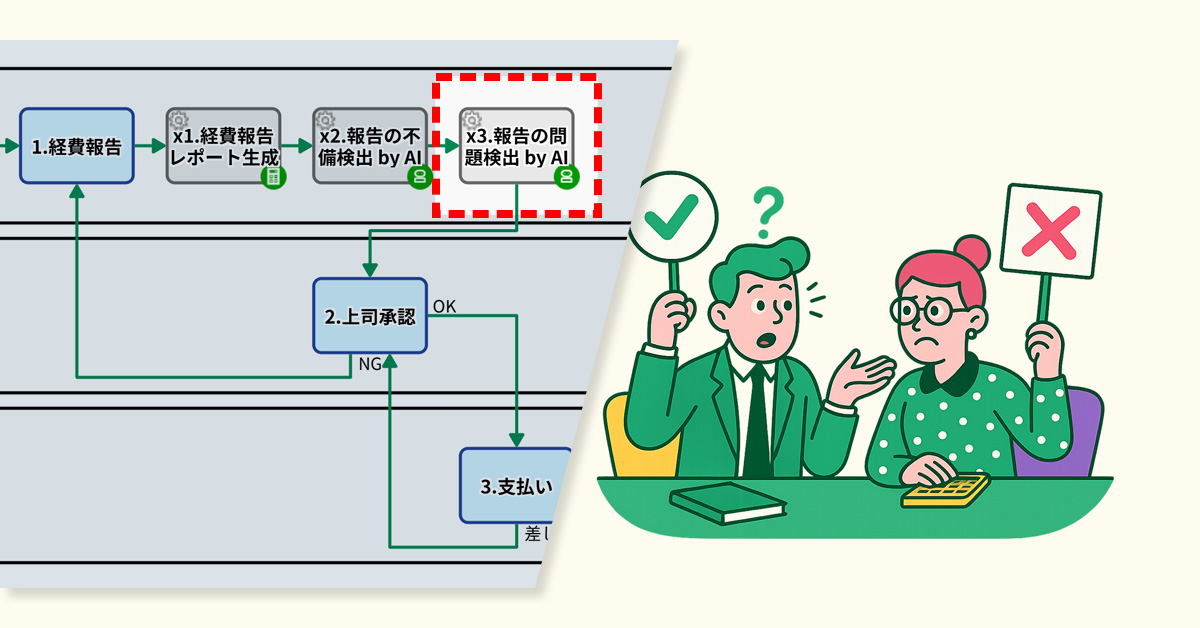
AI reviews request content and suggests improvements to help applicants draft better requests.
1. Issue: Creating Responses Takes Time
The IT department manages internal IT infrastructure and handles urgent employee requests every day. Inquiries are submitted through a web form, with automated acknowledgment sent instantly upon receipt.
With 20 staff members, each handles 1-2 queries per day, sometimes up to 30 during peak periods. The complexity of inquiries has increased due to the adoption of cloud services, making it more time-consuming to craft responses.
As a result, there was a demand for a more efficient and rapid process for handling inquiries.
2. Solution: AI-Assisted Response Creation and Streamlining
The process owner reviewed the internal workflow and introduced the “AI Agent” auto step.
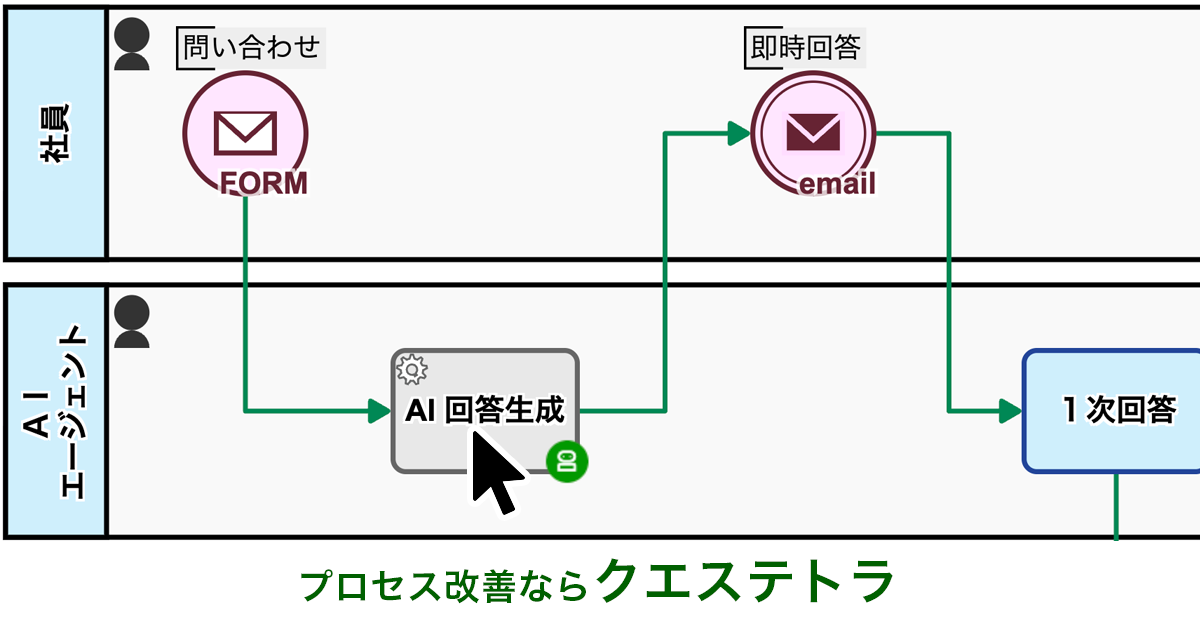
This process kicks in right after an inquiry is logged, with AI gathering relevant information to draft potential solutions and preliminary responses automatically. This relieves staff from creating responses from scratch.
AI assistance saves time by eliminating the need to draft responses from scratch.
Before


View details of the workflow diagrams
Inquiry Input[FORM]
The requester fills out the inquiry form.
Inquiry received
Receive notification of inquiry acceptance.
1.Enter First Response
The internal help desk agent provides the initial response.
Status:Noise
When “Noise” is selected in step 1, the case status will be set to “Noise”.
Status:Completed
When ‘Final Answer’ is selected in step 1, the case status will be set to ‘Completed’.
Status:Second Response In Progress
When “Reply & Escalate” is selected in step 1, the case status will be set to “Under Secondary Review.”
Initial Response (Final)
Receive initial response via email, and the process is complete.
Initial Response (Interim)
Receive initial response via email, and the process is complete.
2. Enter Secondary Response or Completed Item
The technical support agent enters a second response or, if the investigation will take time, an estimated completion date.
Status:Completed
If you select “Second Response” in step 2, the case status will be set to “Completed.”
Status:In Secondary Response (Completion Notification Update)
If you select “Second Response” in step 2, the case status will be set to “Under secondary review (with a provided estimated completion date).”
Second Response (Final)
Receive the second response via email and complete the process.
Estimated Completion Date Notification Received
Receive an email with the estimated completion date.
2b.Enter Second Response Text
The technical support agent enters a second response.
Second Response (Final)
Receive the second response via email and complete the process.
After


View details of the workflow diagrams
Inquiry Input[FORM]
The requester fills out the inquiry form.
Inquiry received
Receive notification of inquiry acceptance.
List solutions and prepare a draft response
The AI automatically gathers relevant information, then generates potential solutions and a draft of the response.
1.Enter First Response
The internal help desk agent provides the initial response.
Status:Noise
When “Noise” is selected in step 1, the case status will be set to “Noise”.
Status:Completed
When ‘Final Answer’ is selected in step 1, the case status will be set to ‘Completed’.
Status:Second Response In Progress
When “Reply & Escalate” is selected in step 1, the case status will be set to “Under Secondary Review.”
Initial Response (Final)
Receive initial response via email, and the process is complete.
Initial Response (Interim)
Receive initial response via email, and the process is complete.
2. Enter Secondary Response or Completed Item
The technical support agent enters a second response or, if the investigation will take time, an estimated completion date.
Status:Completed
If you select “Second Response” in step 2, the case status will be set to “Completed.”
Status:In Secondary Response (Completion Notification Update)
If you select “Second Response” in step 2, the case status will be set to “Under secondary review (with a provided estimated completion date).”
Second Response (Final)
Receive the second response via email and complete the process.
Estimated Completion Date Notification Received
Receive an email with the estimated completion date.
2b.Enter Second Response Text
The technical support agent enters a second response.
Second Response (Final)
Receive the second response via email and complete the process.


3. Customers Case Study

Honda Motor Co., Ltd.
Used for Company-wide Approval Flows such as general affairs applications, training recepti…
View More
Toho Gas Network Co., Ltd. (Negotiation and Design Section)
500 Applications Per Month Completely Digitized! Reduced Labour and Eliminated Printing and…
View More
MITSUBISHI PENCIL CO., LTD.
Moving Complex Business that had been processed by Notes to the cloud workflow. Approximate…
View More4. Other Business Applications
We will enable AI-based reviews for the following tasks:
Front Desk Operations in Medical Facilities
IT Support in Educational Institutions
5. Related Posts
-

How to Align Approval Standards
View More: How to Align Approval StandardsReturn-for-revision enables feedback, reduces rework, and improves organizational decision quality.
-

Approval Workflow Branch by Amount
View More: Approval Workflow Branch by AmountAmount-based routing reduces bottlenecks by limiting division manager approvals to high-value cases …
-

Resolving Assignee Changes Among Operators
View More: Resolving Assignee Changes Among OperatorsOperators can now manually reassign tasks to reduce supervisor workload.