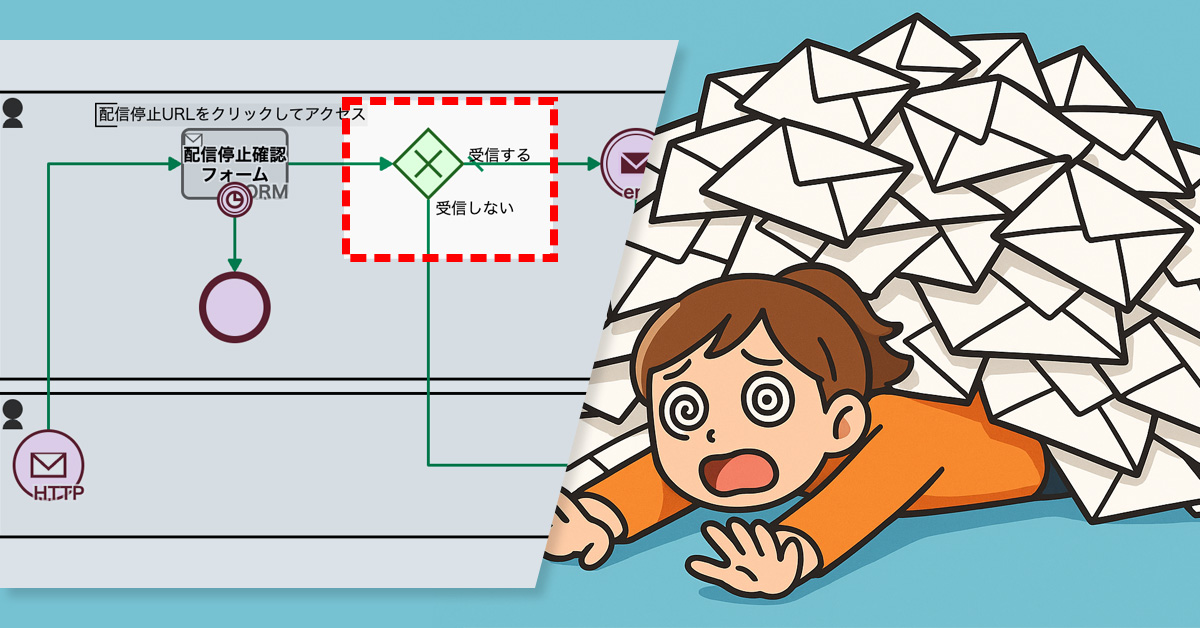
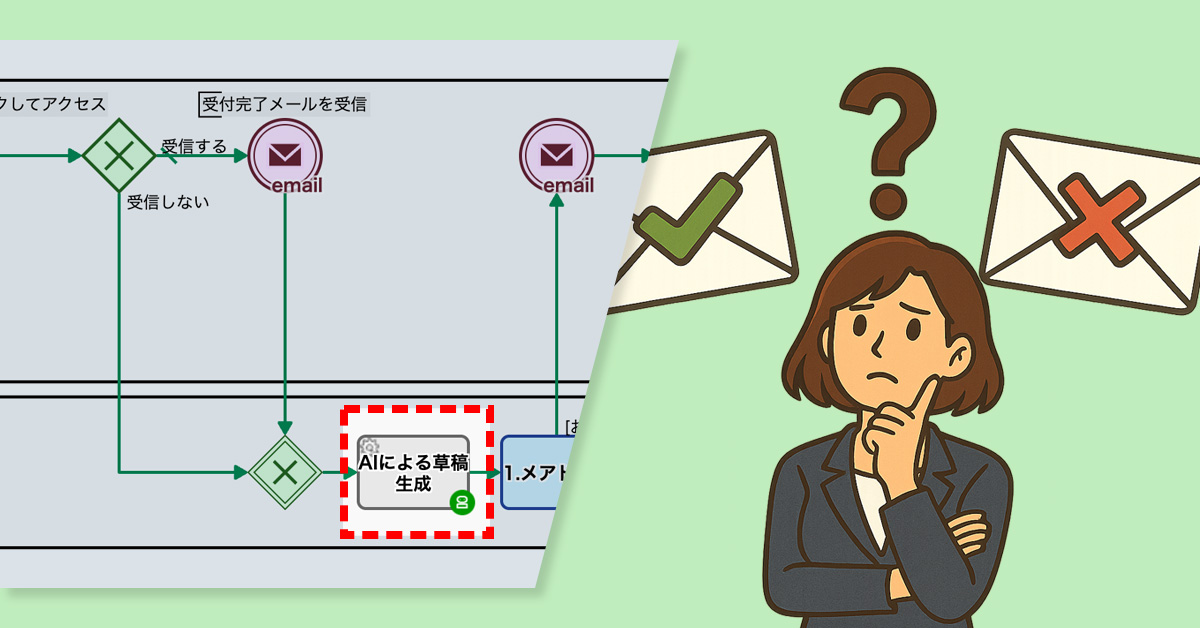
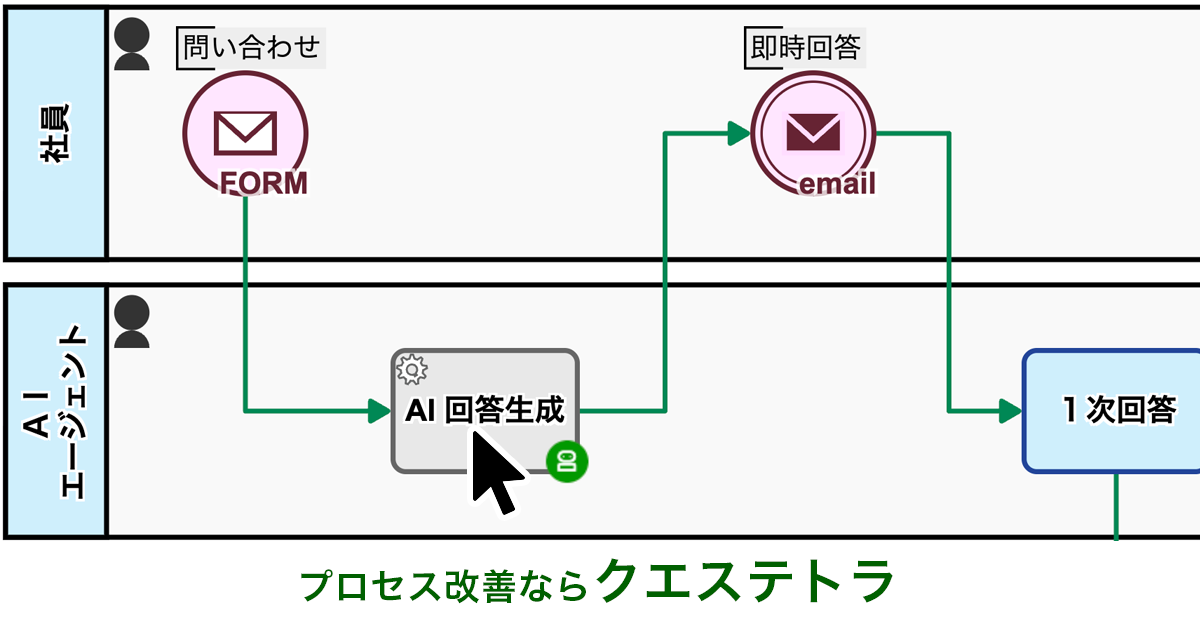
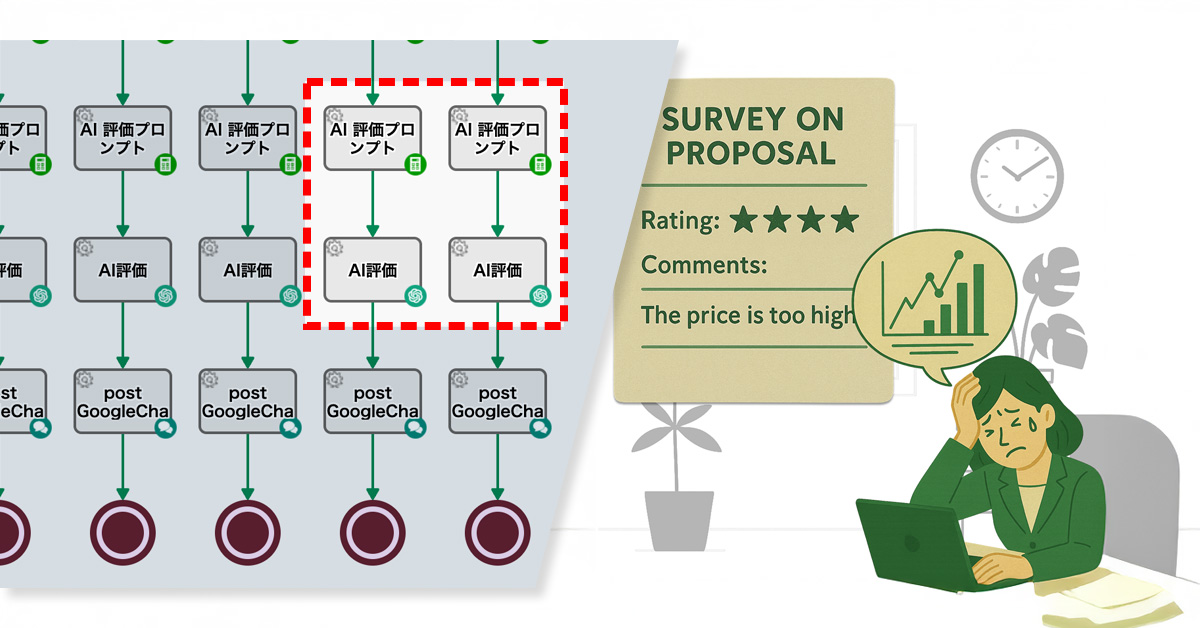
Linking send/stop processes as parent-child enabled identifying emails causing unsubscribes.
1. Issue: Difficulty in identifying the cause of unsubscriptions
An agricultural company operates an online mail-order business that delivers vegetables from local farms nationwide. The mail-order team regularly sends out email newsletters to repeat customers introducing seasonal vegetables and recipes.
The newsletter was generally well-received, and the person in charge had put a lot of effort into creating the content. However, there were still requests to stop receiving the newsletter without the reason being known. The team wanted to understand which emails were causing people to stop subscribing in order to improve the newsletter content.
However, because the sending and stopping processes were performed in separate processes, it was not possible to identify the email that caused the problem without comparing the records of both. This meant that analysis took a long time, delaying improvements to the content of the email newsletter and reviewing measures.
2. Solution: Coordinate delivery and suspension between parent and child processes
The process owner has now linked the distribution and unsubscribe processes, which were previously performed separately, as parent-child processes.
Specifically, they incorporated a Service Task into the parent process that delivers emails, which calls a child process that executes the unsubscribe process. This automatically links the parent and child process IDs, allowing them to correlate and check the delivery and stop history of each process.
As a result, mail order team members were able to accurately identify who had been sent the email and which email had triggered the suspension.
Accurately identify the specific emails that triggered unsubscribes to refine your strategy.
Before
View details of the workflow diagramSubscription to mailing list
Input TSV Text data
Name and email set
Extract TSV data line by line
Email newsletter delivery
The process for sending the email newsletter will now begin. The process will end once all TSV data has been processed and the newsletters have been sent.
After
View details of the workflow diagramSubscription to mailing list
Input TSV Text data
Name and email set
Extract TSV data line by line
Unsubscribe process (service task)
A subprocess is initiated to handle the unsubscription process.
Email newsletter delivery
The process for sending the email newsletter will now begin. The process will end once all TSV data has been processed and the newsletters have been sent.
Toho Gas Network Co., Ltd. is an infrastructure company that supports local communities and industries by supplying city gas. The Pipeline Department & Engineering Center, Negotiation and Design Section handles the front-line duties of receiving various applications and consultation requests from external design firms.
As part of their specific duties they handle daily tasks such as receiving requests for gas pipe drawings and surveys of buried gas pipe structures. They then forward the necessary information to the relevant internal departments, and, after the investigation and confirmation are complete, they provide a response.
Business Issues
The Negotiation and Design Section is working on reviewing and improving its overall workflow, as well as implementing and operating various new tools, in addition to its daily tasks. Based on the challenges we’ve encountered while managing day-to-day operations, we have been exploring ways to improve efficiency and gain better visibility into our processes. Specifically, we’ve felt the limitations of using a paper and email-based system to handle over 500 applications per month.
The Toho Gas Group as a whole is also prioritizing business digitization as part of its broader DX (Digital Transformation) strategy. As a department, we strongly recognize the need to actively drive these specific initiatives.
Issues Before Adopting Questetra BPM Suite
When handling applications, we previously used a paper-based system.
Applicants had to fill out, print, and mail their forms. On our end, we would receive, review, and distribute the documents internally, then print and mail a response. This process was extremely burdensome. Not only was each task time-consuming, but the lead time for mailing, the effort of printing and filing, and the need for physical storage space created a significant workload.
With over 500 applications per month, we were spending a massive amount of time on administrative tasks alone. It was also difficult to track the status of each application, making it a challenge to visualize progress and expedite our responses.
How We Learned About and Chose Questetra BPM Suite
We compared several tools while considering a complete review of our workflow.
Among the options, Questetra BPM Suite stood out because it allowed us to design business processes using visual diagrams and its cloud-based operation.
Additionally, the fact that another department had been using it for about 10 years gave us confidence in its reliability.
The most significant factor was its ability to build workflow applications with no-code. This meant we wouldn’t need to rely on the IT department, and as the people who fully understood the on-site operations, we could instead freely design and adjust the workflows ourselves. This ability for rapid improvement was very appealing.
Another major reason for our decision was the user-friendly web form feature for applicants. We felt it was so intuitive that anyone could fill it out without getting confused.
Form Screen Example
Questetra BPM Suite Solution and Implementation Process
We began our digital transformation by tackling two specific tasks: requests for drawings and surveys of buried structures.
We started by organizing our workflow for each process. We then defined them as a formal process and converted them into workflow applications using Questetra BPM Suite.
Drawing Request Workflow Diagram
With our new system, applicants submit their information through a web form. This data is then automatically assigned to the relevant internal department. When an employee completes an assigned task, the process automatically moves to the next step.
This has nearly eliminated the need for our previous paper, email, and phone-based communication, significantly improving both the speed and accuracy of our work.
Additionally, the progress of each step is now visible in real-time, allowing us to track the entire process and ensure consistent handling of every application.
The status of each process step can be monitored in real time.
Benefits of Implementation
Quantitative Benefits
By fully digitizing more than 500 applications per month, we were able to eliminate tasks related to printing and mailing, such as preparing envelopes, tracking mail, and managing physical storage. This resulted in a reduction of several dozen hours of work per month.
We also completely eliminated all costs related to printing and postage.
Qualitative Effects
The user-friendly web form has nearly eliminated inquiries from applicants. Previously, we received frequent questions like “How should I fill out this field?”, but we no longer receive any.
We’ve also received a lot of positive feedback from end-users, with many saying they appreciate being able to complete the entire application and response process without having to visit our office. This has made the experience significantly more convenient for them. The increase in operational speed has also been well-received, with users commenting that they now get a response much faster.
Useful Features of Questetra BPM Suite
What we find particularly useful is the high degree of customization for web forms. Information entered into the forms can be captured in the exact format we need, which makes our internal processes much smoother.
Additionally, the standard feature for managing the status of ongoing projects is a major help. We can see at a glance what stage each project is in, which prevents us from missing any steps.
Heat Map for Managing the Status of Active Cases
Another significant benefit is that, as a cloud service, it allows us to check and respond to tasks from anywhere. This gives us the flexibility to work without being tied to a specific time or location.
Message to Companies Facing Similar Challenges
To any company that feels the limitations of a paper and email-based workflow, I encourage you to give Questetra BPM Suite a try. Since you can build workflow apps without any coding knowledge, your team can take the lead in improving your processes.
What’s more, the support from Questetra’s customer service team makes the barrier to entry much lower than we expected. Initially, we were worried about whether it would work for us, but now it’s an indispensable tool for our daily operations.
You can start with just one business process. I believe that taking that first step will lead to your next major success.
* This case study is based on information from the time of the interview.
As an unlisted company that does not issue physical share certificates, we provide shareholders with a Certificate of Entry in the Register of Shareholders. Shareholders request these certificates through a publicly accessible web form.
The certificate issuance process is largely automated. Specifically, the system uses the applicant’s email address to identify their shareholder information within the shareholder register (a TSV file), which is then automatically merged into a PDF certificate.
However, issues arise when a shareholder’s email address isn’t recorded in the shareholder register, or when a single email address is linked to multiple shareholders. In such cases, the system can’t uniquely identify the shareholder, leading to failed certificate creation. This results in certificates being generated with blank fields.
Compounding this, the current process lacks integrated error handling. This means that when an issue occurs, the manual intervention of staff is required to issue the certificate, significantly impacting operational efficiency.
2. Solution: Adding a Manual Retry Workflow
To tackle errors during certificate issuance, the process owner implemented a manual retry workflow.
Now, if an operator identifies discrepancies during the certificate review, they can manually correct the shareholder information. Once the information is updated, the system automatically feeds it back into the process to regenerate the PDF certificate.
Boosts operational efficiency by reducing manual errors and accelerating certificate issuance.
Before
View details of the workflow diagram
Shareholder Requests via Public Web Form
Retrieve the shareholder list in TSV format from the shareholder register file
Filter and identify shareholder information by the applicant’s email address
Get the row number of the requester’s data in the TSV file
Extract shareholder names and share counts from the TSV file
Generate the certificate PDF
1.Request acceptance decision
Review the requester’s details and the generated certificate PDF
Automated PDF generation from Google Sheets to stop copy-paste errors and ensure data accuracy.
1. Issue: Copy-Paste Errors in Shareholder Registry
As a non-certificated company, the Corporation issues Shareholder Registration Certificates to its members. Shareholders request the issuance of these certificates via a web form.
Currently, the administrative staff responsible for handling these requests uses document creation software to manually compile the certificates by copying and pasting information from other records. This manual process is prone to errors such as incorrect names, addresses, or stock quantities due to misplacement or omission of information.
Issuing certificates with incorrect information can lead to shareholder distrust in the company’s administrative procedures and poses a risk to the company’s credibility.
2. Solution: Automated Certificate PDF Generation
The process owner has automated the certificate issuance workflow, significantly reducing manual tasks.
Specifically, the system now cross-references shareholder registry data stored within the company (via Google Sheets) with the requestor’s information submitted through the web form (such as their email address). When there is a match, a certificate PDF with automatically inserted shareholder information from the registry is generated.
Additionally, if the requestor’s information doesn’t match any record in the shareholder registry, the PDF generation process is aborted.
View details of the workflow diagramShareholder request submitted via public web form1.Certificate creation and transmissionEmail Transmission (or assessment for rejection of application)
After
View details of the workflow diagramShareholder request submitted via public web formRetrieve the list of shareholders in TSV format from the shareholder registry file.Filter and identify shareholder information by the requester’s email address.Get the row number (which row) of the requester’s data in the TSV.Extracting the requester’s information (shareholder name and number of shares) from the TSV.Generating a certificate PDF1.Assessing the acceptance of a requestEmail transmission (or processed as noise)
AI-driven expense audits now catch fraud that supervisors and accounting previously missed.
1. Issue: Overlooking Fraud During the Approval Process
As a manufacturer and seller of industrial machinery, the company handles a high volume of expense reports due to frequent business travel.
The process for these reports is that an employee submits the report, their supervisor reviews and approves it, and then the accounting department handles the payment.
However, some expense reports contained fraudulent or non-compliant entries. Supervisors often failed to detect these issues, as the reports appeared to have no superficial problems, and approved them anyway.
As a result, the accounting department had to take on the additional task of checking for fraud, which significantly increased their workload.
2. Solution: Using AI to Detect Fraud and Policy Violations
To solve this problem, the process owner integrated an “AI Agent” step into the workflow.
The AI analyzes the submitted expense report against the company’s internal rules and regulations to identify potential fraud and policy violations.
AI reliably catches subtle fraud and policy violations missed by human eyes.
Before
View details of the workflow diagram1.Expense Report
An employee submits an expense report.
x1.Generate Expense Report
Based on the report from step 1, a formatted report is automatically generated.
x2.Detect Report Deficiencies by AI
Irregularities are detected and highlighted by the AI based on the instructions and the expense report from x1.
2.Boss Approval
Boss Approval or Rejection
3.Payment
Accounting will either approve or reject the payment.
After
View details of the workflow diagram1.Expense Report
An employee submits an expense report.
x1.Generate Expense Report
Based on the report from step 1, a formatted report is automatically generated.
x2.Detect Report Deficiencies by AI
Irregularities are detected and highlighted by the AI based on the instructions and the expense report from x1.
x3.Detect Issues in Report by AI
Based on the expense report from x1 and the provided instructions, the AI detects and highlights fraud and policy violations.
2.Boss Approval
Boss Approval or Rejection
3.Payment
Accounting will either approve or reject the payment.