Rotational task allocation balances operator workload and improves response speed.
1. Issue: A system that allows task avoidance
The contact center, staffed with 20 operators, handles email inquiries as part of its BPO outsourcing services.
Inquiries are handled by operators who take on the case themselves. When an operator is available, they select an inquiry from the waiting list and take it on.
Hourly paid operators are evaluated based on customer feedback. Positive evaluations are given for excellent service, while complaints result in negative evaluations.
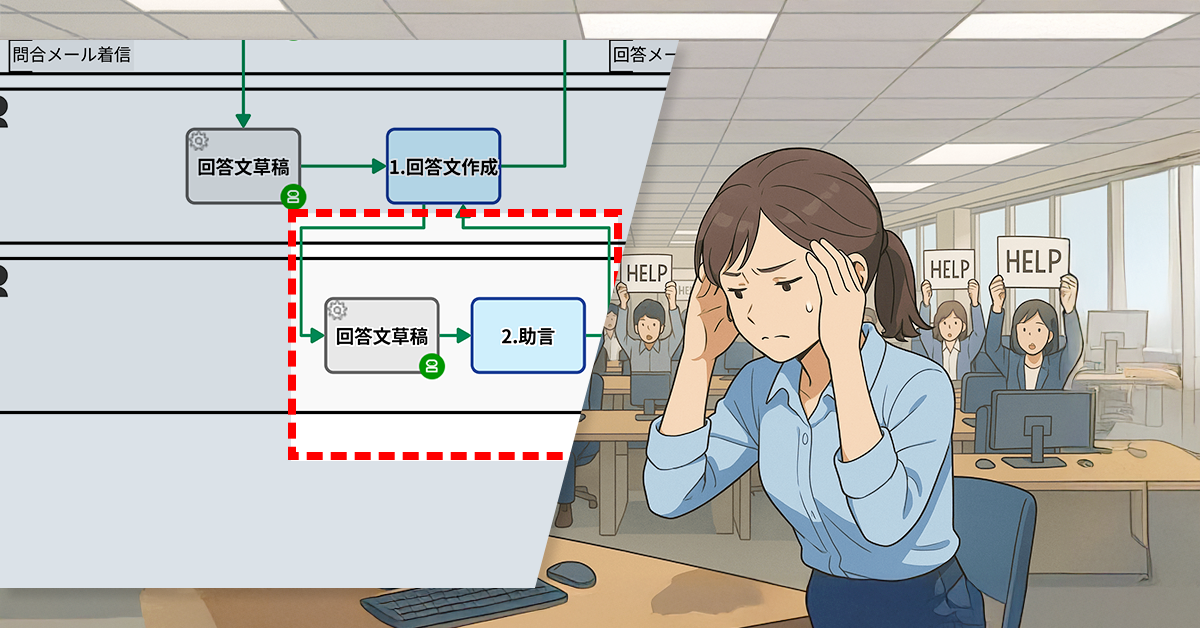
Since the evaluation system doesn’t consider the number of cases handled, employees lack the motivation to take on cases proactively. This results in procrastination and a decline in overall productivity.
2. Solution: Rotate and allocate evenly
To address this, the process owner implemented a rotation allocation method. This new approach ensures inquiries are distributed equally, replacing the previous system where responders selected work voluntarily.
Each job is assigned a process serial number. The serial number is divided by 20, and the remainder plus 1 is used to assign the job to one of 20 operators. Each number between 1 and 20 corresponds to a specific operator. For example, Mr. E is assigned jobs numbered 5, Mr. N is assigned jobs numbered 14, and so on.
Workload is balanced among operators, improving response speed and reducing inquiry delays.
1. Issue: Inability to analyze incomplete requests
The website of ◯△× Company was built with WordPress.com, and is currently operated and managed by the Marketing Department. The Marketing Department utilizes a Workflow App to manage and fulfill article posting requests from other departments.
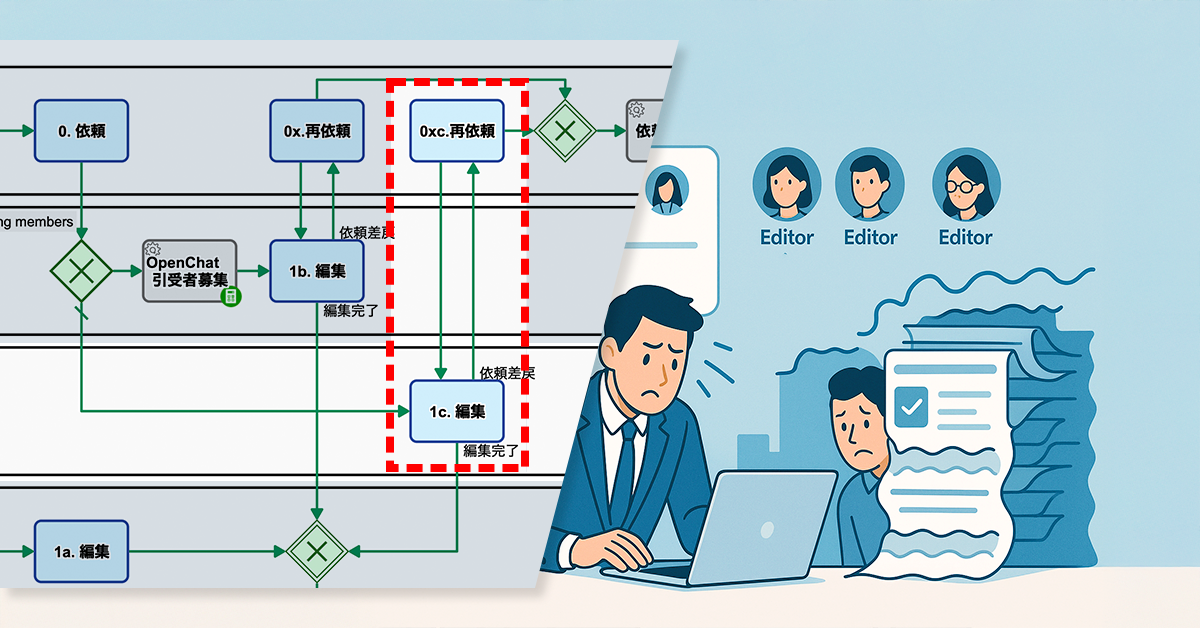
Recently, there have been instances where published articles based on requests contained outdated or incorrect product information, such as pricing and specifications. In the past, the marketing department would review the content before publishing. If any errors were found, an authorized team member would delete the problematic request on the Workflow app.
The increasing number of deficiencies in requests makes it challenging to identify trends, such as which departments or content types are causing the most issues. Additionally, the complete removal of deleted requests from the Workflow app prevents searching and analyzing past cases. This lack of data-driven insights hinders the implementation of improvement measures and increases the risk of recurring deficiencies.
2. Solution: Add keywords to the subject of abandoned requests
The Process Owner has configured two options to resolve this: discarding the draft or sending it to WordPress after proofreading. If the draft is discarded, the workflow proceeds as follows:
The subject of the request will automatically be marked as “[Abandoned]”
The request will be considered completed, but the history will be recorded
For example, if your subject is “Blog Adding New Features for 2025”, it will be displayed as “[Abandoned] Blog Adding New Features for 2025”, making it easier to narrow down your search.
Marketing department staff can submit their draft.
Back up your requested manuscript
Manuscripts requested by other departments are automatically backed up.
Proofreading
A marketing team member will proofread the manuscript if any required publication items are missing.
Set subject
The subject line will automatically be updated to “[Abandoned]”.
Image to WordPress
Upload your media files to WordPress.com.
Submit manuscript to WordPress
Create a draft post on WordPress.com.
Published with minor corrections
The marketing department will make minor edits to the draft and publish it.
Release Notification
The publication of the article will be shared within the department.
Before/After (Slide to move)
3. Effects
Identifying request errors
By adding “[Abandoned]” to the subject line, you can quickly identify past request errors.
Improved searchability of request history
The history of deleted requests is retained, allowing you to easily review past requests by searching for the keyword “[Abandoned]”.
Accelerating data analysis
This simplifies the process of visualizing error trends and analyzing problematic departments and request contents.
4. Other business applications
Review and approval flow management
Product information correction requests and advertisement placement approval flows can help to identify, record, and prevent the recurrence of mistaken requests.
Managing customer history
This will clearly identify errors made by customer support (CS) and prevent them from happening again.
Optimization of ordering and procurement management
By keeping a history of ordering errors, you can review and strengthen your purchasing rules.
Streamlined project management
Identify unnecessary tasks and incorrect specification changes to reduce wasteful work.
BPMN(Business Process Model and Notation)は、ビジネスプロセスを可視化し分析するために国際標準化された表記法です。業務が複雑化する現代において、業務手順を可視化することで無駄や課題を見つけやすくし、改善策を検討する土台を作ります。また、属人化を解消して担当者間の連携を強化することにも役立つため、多くの企業が導入を検討しています。
Questetra BPM Suite は、BPMN 2.0に準拠したクラウド型BPMSで、描いたBPMN図をそのまま実行フローとして使えるのが大きな特長です。ノーコードで業務フローを構築でき、進捗状況の可視化やボトルネックの分析、外部サービスとの連携も可能です。60日間の無料でお試しできるので、ぜひ体感してみてください。
BPM(Business Process Management)は、組織における一連の業務やフローを整理・可視化し、改善を繰り返すための管理手法です。従来の個別最適を目指すやり方とは異なり、業務全体の流れを俯瞰し、不要な工程やコミュニケーションロスを削減することで全体最適化を図ります。これにより組織はスピード感を持って課題に対応し、顧客や外部環境の変化に柔軟に順応しやすくなります。
どちらも業務改革に関わる用語ですが、BPMは継続的かつ段階的にプロセスを管理・改善する手法を指し、BPR(Business Process Re-engineering)は大掛かりな抜本改革を実施するアプローチを指します。BPMは小さな変化から積み重ねて目標に近づくのに対し、BPRは業務プロセス全体を大きく再設計し、革新的な変化を目指すことが一般的です。