1. Issue: Uniform email sending creates customer dissatisfaction
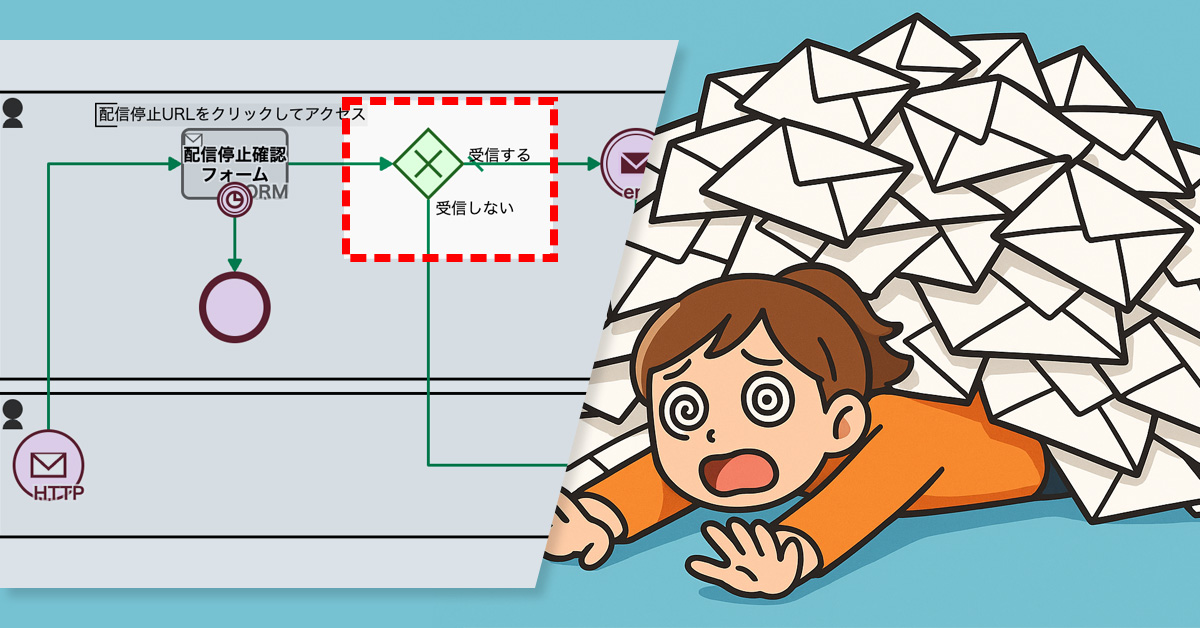
The e-commerce team at NyokiNyoki Agricultural Products sends out a newsletter to repeat customers, introducing seasonal vegetables. If a customer wishes to unsubscribe, they can access a dedicated form via the “Unsubscribe URL” provided in the email.
When the process is complete, an automated “confirmation email” is sent. While this email serves as a reassuring notification that the request was successful, some customers found it annoying, feeling as if they were receiving yet another email after explicitly stating they no longer wanted them.
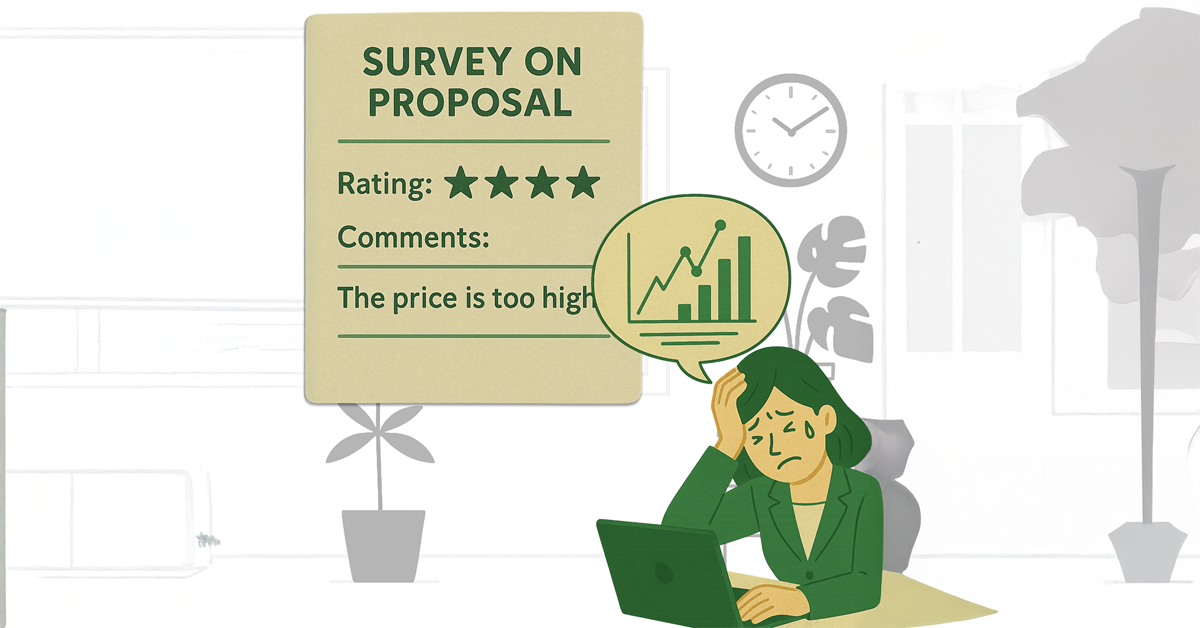
Sending the same confirmation email to everyone, despite the varying customer reception, can become an extra, unwanted message for some. This can leave a slight sense of annoyance. Over time, these small frustrations can accumulate and be the very reason a customer’s feelings toward the brand turn sour.
2. Solution: Empowering customers to opt in or out of receiving the confirmation email
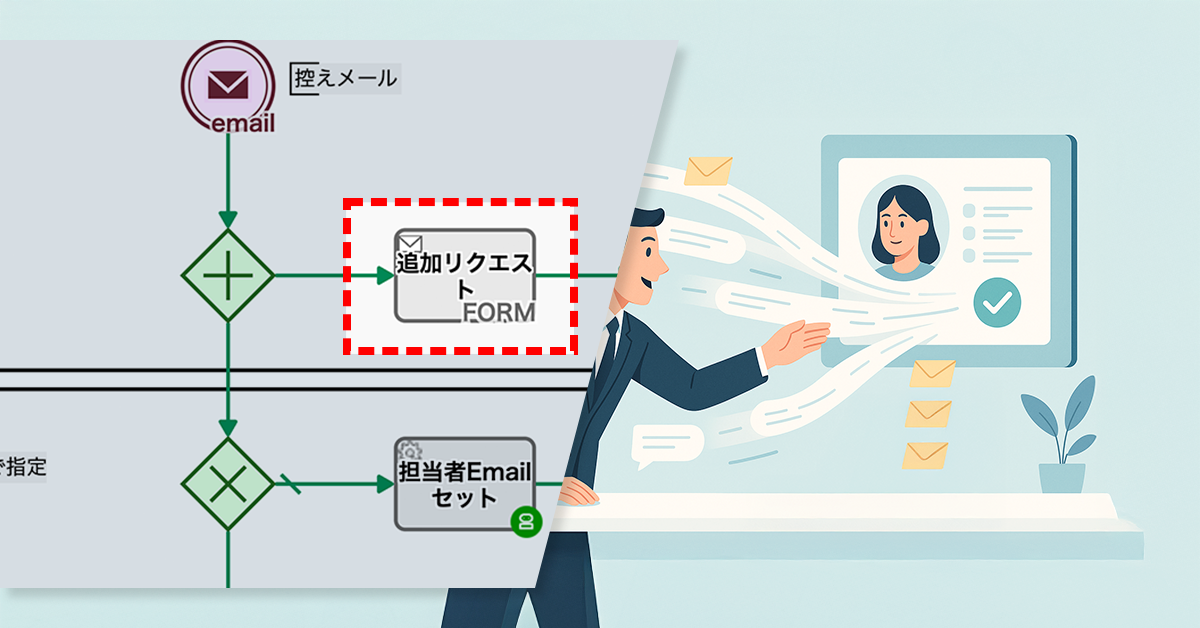
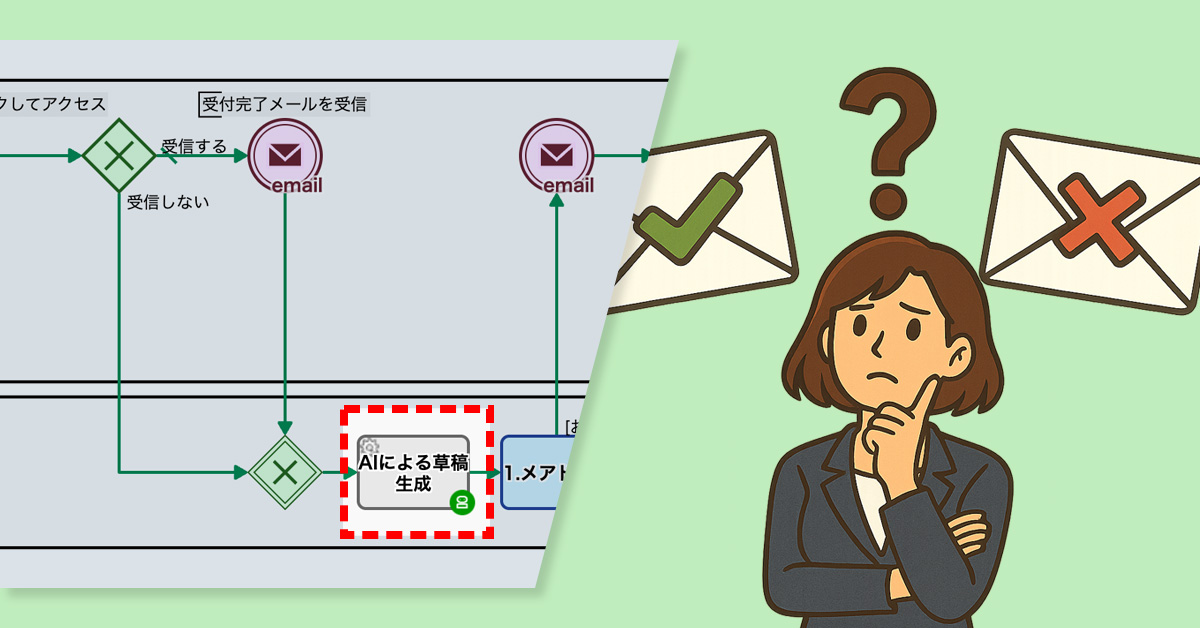
The process owner added an “Receive confirmation email” checkbox to the unsubscribe form. They also revised the unsubscribe flow to send a confirmation email only if the customer selected the option.
This change lets customers decide whether they want to receive the confirmation email. Now, the e-commerce team can provide the right level of service to everyone—both those who want reassurance and those who want fewer emails.
Before


View details of the workflow diagram
Unsubscribe Confirmation Form
Customers request to unsubscribe by clicking the Submit button. If they don’t want a confirmation email, they simply uncheck the box for “Send me a confirmation email.”
After

View details of the workflow diagram
Unsubscribe Confirmation Form
Customers request to unsubscribe by clicking the Submit button.
If they don’t want a confirmation email, they simply uncheck the box for “Send me a confirmation email.”
Branching
Depending on the customer’s choice, the next steps in the flow will change.


3. Benefits
Stress reduction for customers
Emails are only sent to those who need them, which has reduced the annoyance for customers who found them unnecessary.
Fostering customer loyalty
Reduced annoyance after unsubscribing helps maintain a positive brand impression.
Reduced workload
Fewer inquiries like, “What is this email?” have reduced the team’s workload.
4. Other Business Applications
Seminar and Event Registration
You can offer an optional confirmation email after event registration, balancing convenience and reassurance for participants.
Customer Support
Making the automatic reply email optional after an inquiry allows for flexible responses tailored to customer needs.
Recurring report delivery
Allow customers to choose whether to receive download links or confirmation notifications, preventing information overload.